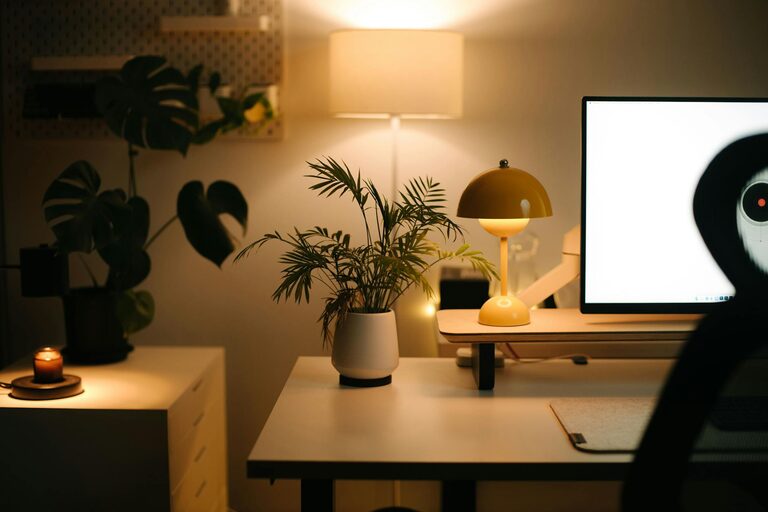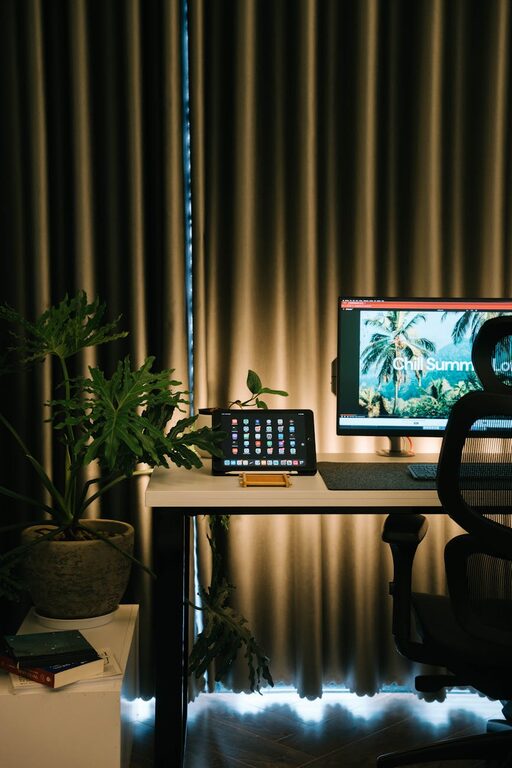



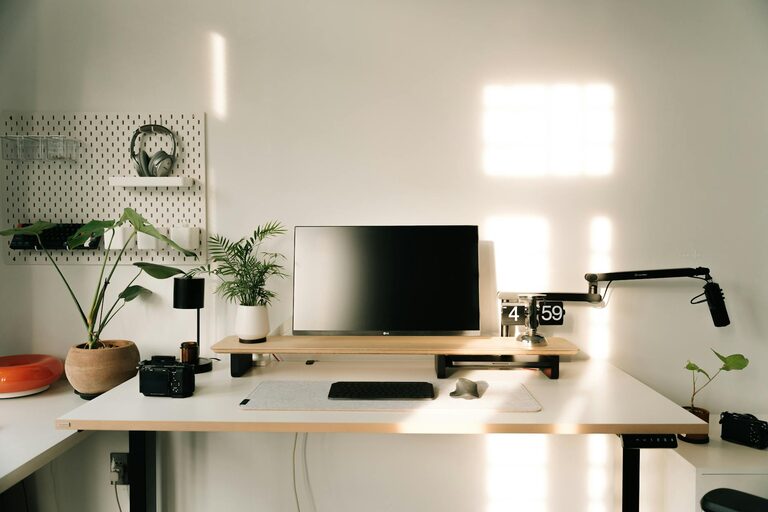
Creating a comfortable and productive home office is essential for anyone working remotely or spending significant time on tasks at home. A well-designed workspace can enhance focus, reduce stress, and improve overall work quality. Whether you have a dedicated room or just a corner in your living space, these tips will help you set up an office area that supports your needs.
Choose the Right Location
Selecting the right spot for your home office is the first step. Ideally, pick a quiet area with few distractions, natural light, and enough space for your equipment.
– Natural light: Place your desk near a window to benefit from daylight. Natural light helps reduce eye strain and keeps you alert.
– Low traffic: Avoid areas with high household activity, like the kitchen or living room, for better concentration.
– Space: Ensure there’s enough room for your desk, chair, and storage without feeling cramped.
Invest in Ergonomic Furniture
Comfort is crucial for long hours of work. Ergonomic furniture supports good posture and reduces the risk of discomfort or injury.
– Chair: Choose an adjustable chair that provides lumbar support. Your feet should rest flat on the floor, and your knees should be at a 90-degree angle.
– Desk: Find a desk at a comfortable height. Consider a height-adjustable desk if you want to alternate between sitting and standing.
– Accessories: Use a keyboard tray or a separate keyboard and mouse to keep your wrists straight.
Organize for Efficiency
Clutter can distract and slow you down. Having an organized workspace helps you focus and keeps important items within reach.
– Storage solutions: Use shelves, drawers, or filing cabinets to store documents and supplies neatly.
– Desk layout: Keep your daily essentials like pens, notebooks, and chargers close by but tidy.
– Cable management: Use clips or cable covers to prevent tangled wires and create a clean look.
Control Lighting and Reduce Glare
Proper lighting is important to avoid eye strain and headaches during work.
– Layered lighting: Use a combination of natural light, overhead lighting, and task lamps to evenly light your space.
– Adjustable lamps: Desk lamps with adjustable brightness and direction help you focus on your tasks.
– Screen glare: Position your computer screen perpendicular to windows to avoid glare and reflections.
Minimize Noise and Distractions
Noise can derail your concentration. Finding ways to reduce or mask background sounds will improve productivity.
– Noise-cancelling headphones: These are useful if you work in a noisy environment.
– Soundproofing: Adding rugs, curtains, or acoustic panels can absorb sound.
– Signage: Use a “do not disturb” sign to inform family members or housemates when you need quiet time.
Personalize Your Space
A workspace that reflects your personality can increase comfort and motivation.
– Decor: Add photos, inspiring quotes, or plants to make your office inviting.
– Color scheme: Choose calming colors like soft blues or greens to create a relaxing atmosphere.
– Comfort items: Keep a cozy blanket or a stress ball nearby for comfort during breaks.
Maintain Good Air Quality and Temperature
Air quality and temperature impact your wellbeing and focus.
– Ventilation: Open a window regularly or use an air purifier to keep the air fresh.
– Temperature control: Ensure your workspace isn’t too hot or cold. Use a fan or heater if necessary.
– Plants: Indoor plants not only improve air quality but also contribute to a calm environment.
Establish Boundaries and Routines
Defining your work hours and space helps separate professional and personal life.
– Set work hours: Keep regular start and end times for work to maintain balance.
– Dedicated space: Use your designated office only for work to signal your brain that it’s time to focus.
– Breaks: Take regular short breaks to stretch and rest your eyes.
Use Technology Wisely
Modern tools can streamline your workflow but can also be sources of distraction.
– Reliable tech: Invest in a good-quality laptop or desktop, fast internet, and necessary peripherals.
– Apps and tools: Use productivity apps to manage tasks and time effectively.
– Limit distractions: Turn off non-essential notifications during work periods.
Keep Your Workspace Clean
A tidy area facilitates productivity and reduces stress.
– Daily clean-up: Spend a few minutes each day organizing your desk.
– Deep cleaning: Regularly dust and clean your equipment and surfaces.
– Refreshments: Keep water and healthy snacks nearby to stay energized.
—
Achieving a comfortable and productive home office is an ongoing process that adapts to your work style and needs. By implementing these tips, you can create a space that supports your wellbeing, focus, and efficiency, allowing you to make the most of your work-from-home experience.