



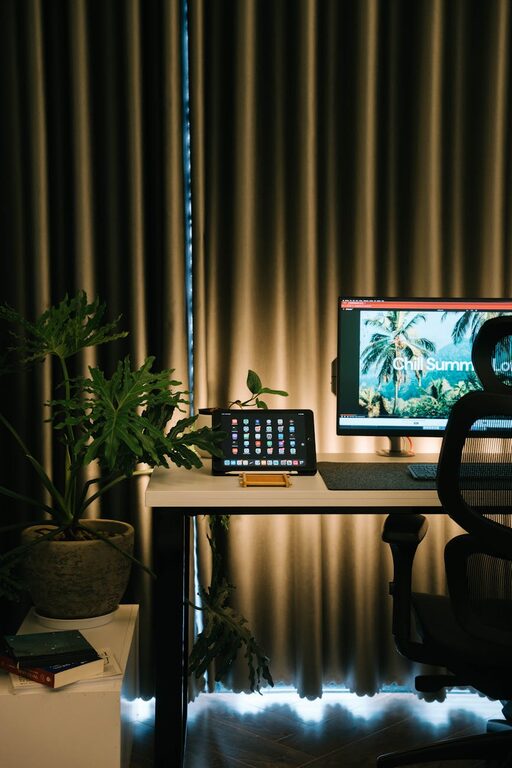
Creating a comfortable and productive home office space is essential for anyone working remotely or spending significant time on tasks at home. A thoughtfully designed workspace can improve focus, reduce stress, and promote health and well-being. Whether you have a dedicated room or a small corner, these tips will help you set up a home office that supports your work and comfort.
Choose the Right Location
Finding the ideal spot for your home office is the first step. Consider the following factors:
– Natural Light: Position your desk near a window to benefit from natural daylight, which can boost mood and energy.
– Quiet Environment: Select a space away from household noise and distractions.
– Space Requirements: Ensure there’s enough room for your desk, chair, and any equipment or storage you need.
If you don’t have a separate room, create a defined area with a room divider or arrange furniture to separate work from living spaces.
Invest in Ergonomic Furniture
Comfortable furniture supports good posture and reduces the risk of strain or injury during long hours of work.
Desk
– Choose a desk at the correct height (around 70-75 cm) to keep your arms and wrists at a natural angle.
– Consider adjustable desks or sit-stand desks that allow you to alternate between sitting and standing.
Chair
– A chair with adjustable height, lumbar support, and comfortable padding helps maintain proper posture.
– Make sure your feet rest flat on the floor or use a footrest if necessary.
Organize Your Workspace Efficiently
A clutter-free and well-organized workspace enhances productivity and focus.
– Use shelves, drawers, and filing systems to store documents and supplies.
– Keep frequently used items within easy reach.
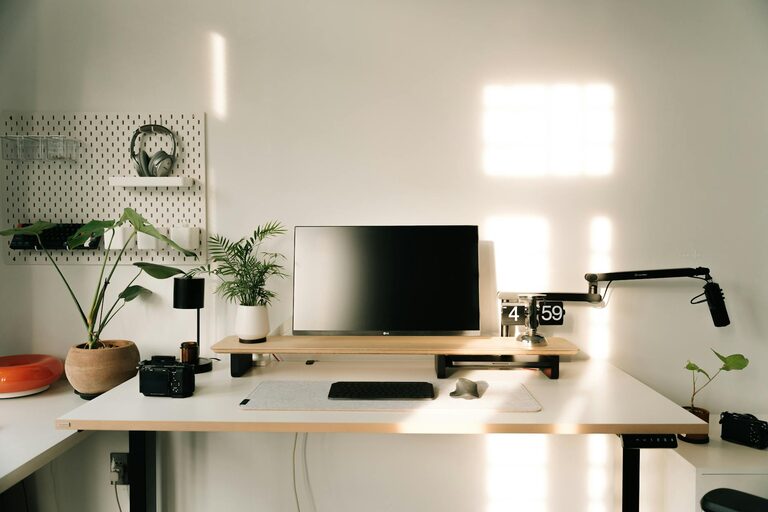
– Utilize cable organizers to keep cords tidy and avoid tangled messes.
– Personalize your space with a few meaningful items like photos or plants, but avoid overcrowding.
Optimize Lighting
Good lighting reduces eye strain and keeps you alert.
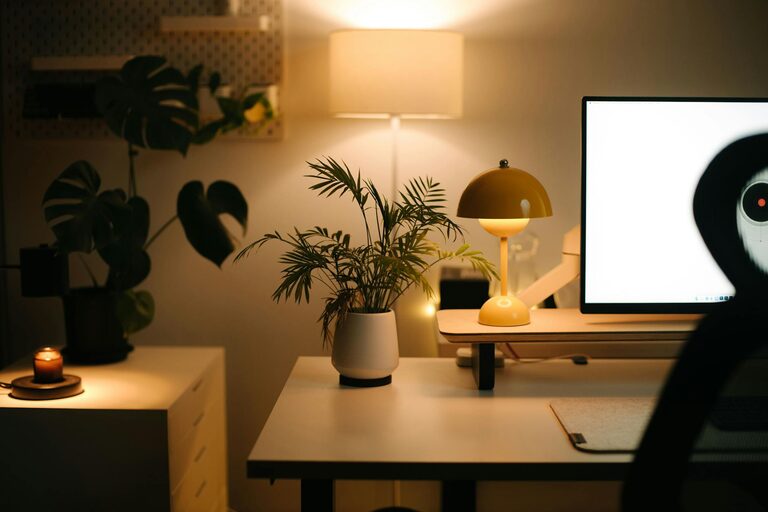
– Combine natural light with adjustable task lighting, such as a desk lamp with a warm, non-glare bulb.
– Avoid glare on your computer screen by positioning lights and windows properly.
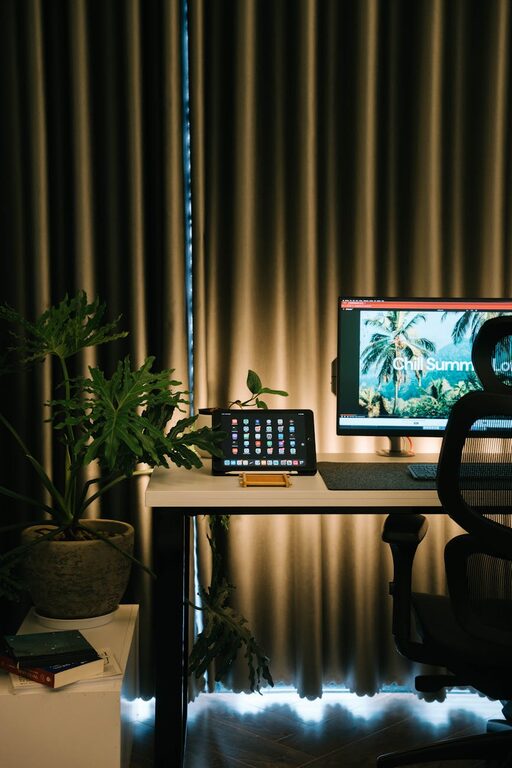
– Consider ambient lighting for overall illumination and softening the environment.
Incorporate Technology Wisely
Reliable and efficient technology is crucial for a smooth workflow.
– Invest in a high-quality monitor, keyboard, and mouse to increase comfort.
– Use noise-canceling headphones for calls or focus sessions.
– Ensure your internet connection is stable and fast.
– Explore tools and apps that can enhance productivity, such as task managers or communication platforms.
Maintain Air Quality and Temperature
A comfortable environment includes fresh air and a suitable temperature.
– Open windows regularly to ventilate the space.
– Consider air purifiers or indoor plants to improve air quality.
– Use fans or heaters as needed to keep your workspace comfortable year-round.
Establish Boundaries and Routine
To be productive, it helps to create clear boundaries between work and personal time.
– Designate specific working hours and stick to them.
– Communicate your schedule to family or housemates.
– Take regular breaks, stretch, and move around to avoid fatigue.
– When work ends, leave your workspace to mentally disconnect.
Add Personal Touches to Boost Motivation
Your workspace should be inviting and inspiring.
– Choose colours that calm and energize you, such as soft blues or greens.
– Add plants to bring nature indoors and reduce stress.
– Display motivational quotes or artwork that encourages creativity.
Keep It Clean and Maintain Regularly
A tidy workspace promotes clarity of mind.
– Dedicate time each week to clean and organize your desk.
– Remove unnecessary items regularly.
– Keep your equipment dust-free to extend its life.
Final Thoughts
Designing a home office that is both comfortable and productive takes some planning but can significantly improve your work experience. By selecting the right location, investing in ergonomic furniture, organizing efficiently, and creating a pleasant atmosphere, you set yourself up for success. Remember, your workspace should evolve as your needs change, so be open to adjustments over time. Happy working from home!